Connecting to the console
🔐 Logging into the console
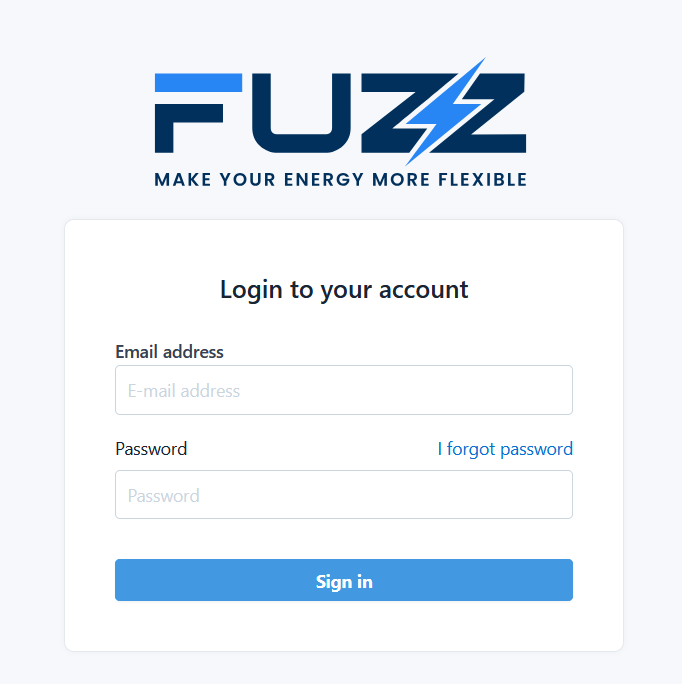
Go to the login page: 👉 https://console.fuzz.energy/login
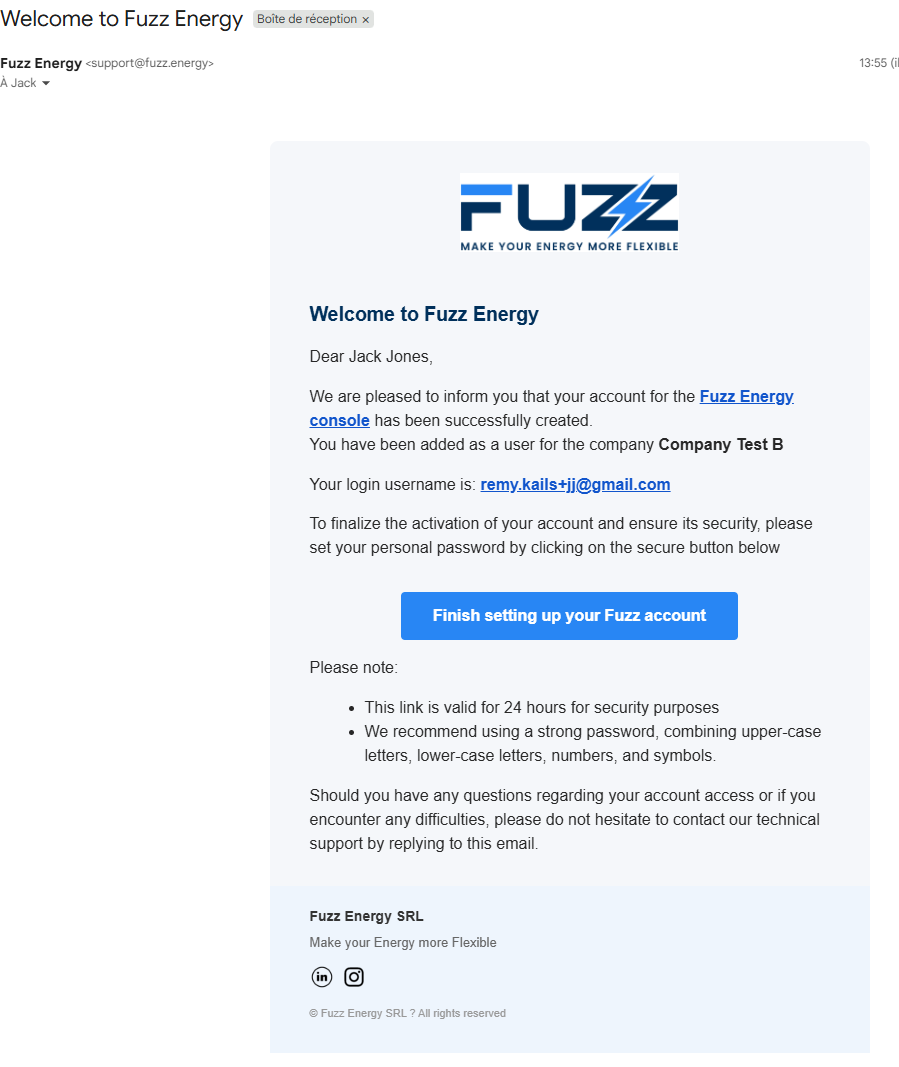
✉️ Creating your password
When a user is created on the platform:
- an invitation email is automatically sent
- this email contains a secure link allowing you to:
- set your password
- access the console
👉 This link is required to activate your account.
⏳ Expired link?
The invitation link has a limited validity period.
If it has expired:
- go to the login page
- click on "I forgot password"
- enter your email address
👉 You will receive a new email to set a password.
✅ Key takeaways
- The password is created only via the received email
- In case of problems or an expired link, use "I forgot password"